Personal Cybersecurity Services in Canandaigua
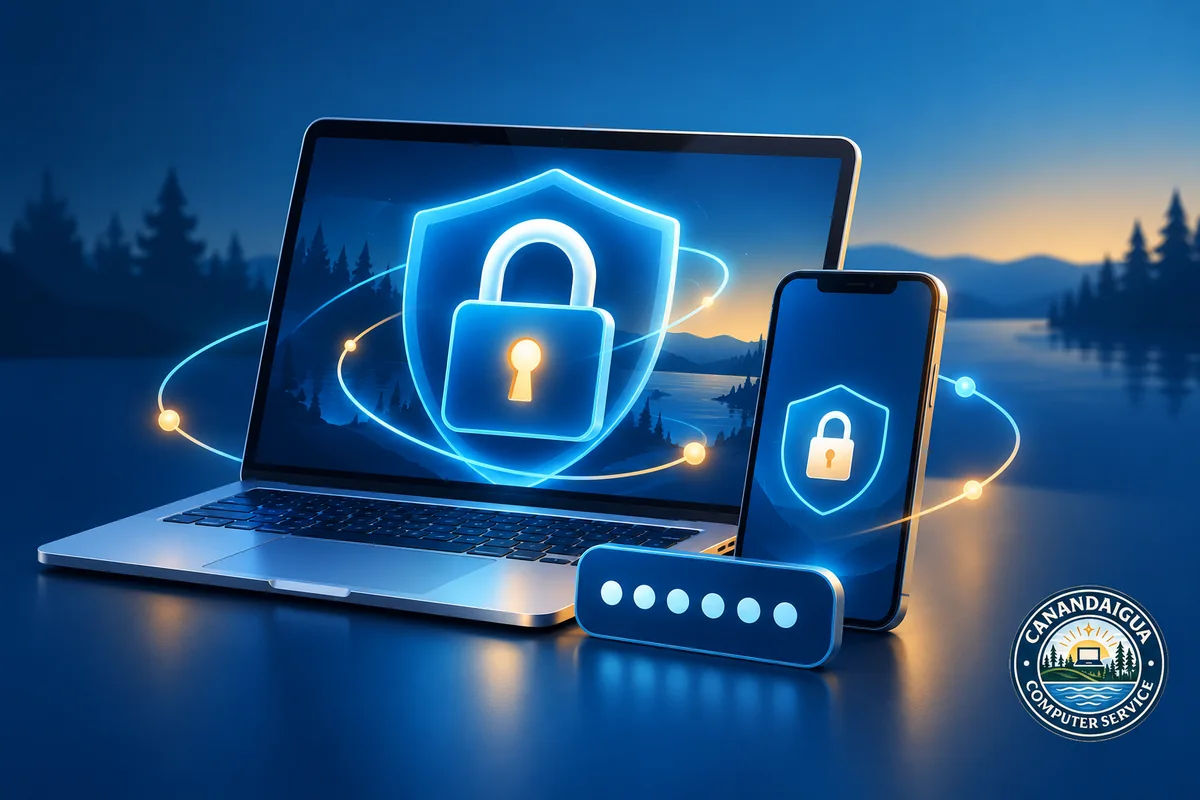
Online security has become part of everyday life.
Email accounts, banking apps, shopping sites, smartphones, passwords, recovery codes, Wi-Fi networks, and multi-factor authentication all play a role in protecting your personal information.
The problem is that managing all of it can become confusing very quickly. Canandaigua Computer Service now offers Personal Cybersecurity Services designed to help individuals improve their digital security with practical, one-on-one assistance.
Personal Cybersecurity Doesn’t Have to Be Complicated
You do not need to be a cybersecurity expert to improve your protection online.
A few smart changes can make a meaningful difference, such as:
- strengthening important account passwords
- enabling multi-factor authentication
- reviewing recovery settings
- checking whether your information has appeared in known data breaches
- improving device security
- reviewing home Wi-Fi security
- learning how to recognize suspicious messages and scam attempts
CCS can help walk you through these areas and explain what each security measure actually does.
The goal is not simply to change settings and move on. It is to help you understand what is being changed, why it matters, and how to use those protections confidently in the future.
Account Security Reviews
Your email account is often one of the most important accounts you own.
If someone gains access to your email, they may be able to reset passwords for other services, view personal information, or impersonate you.
CCS can help review the security of important accounts such as:
- Banking
- Credit cards
- Shopping accounts
- Cloud storage
- Social media
- Other frequently used online services
We can review security settings, recovery options, passwords, and available account protections.
Multi-Factor Authentication Setup
Multi-factor authentication, often called MFA or two-factor authentication, adds an additional security step when signing into an account.
Instead of relying only on a password, the account may also require:
- a verification code
- an authentication app
- a security prompt
- another approved verification method
CCS can help enable MFA on supported accounts and show you how to use it when prompted.
Password and Password Manager Help
Using the same password across multiple websites can create a major security risk.
If one account is compromised, attackers may try the same password on other services.
CCS can help with:
- creating stronger passwords
- identifying reused passwords
- updating weak or compromised passwords
- choosing and setting up a password manager
- learning how to use a password manager safely
The goal is to make password security stronger without making your accounts impossible to manage.
Data Breach Checks
Large companies and online services sometimes experience data breaches that expose customer information.
If your email address has appeared in a known breach, it may be worth reviewing the affected account and changing passwords.
CCS can help check for known breach exposure and develop a practical action plan for affected accounts.
That may include:
- changing passwords
- enabling MFA
- reviewing account activity
- updating recovery information
- identifying other accounts using the same credentials
Device and Wi-Fi Security
Personal cybersecurity is not limited to online accounts.
Your computers, phones, tablets, and home network also matter.
CCS can help review:
- computer security settings
- mobile device security
- software updates
- unwanted applications
- home Wi-Fi settings
- router security
- device access and permissions
This can help identify weak points and improve the overall security of the technology you use every day.
Scam Awareness and Prevention
Scammers often rely on urgency, confusion, and fear.
They may pretend to represent:
- Microsoft
- Apple
- your bank
- a credit card company
- Amazon
- your internet provider
- government agencies
- other trusted organizations
They may ask you to:
- provide passwords or verification codes
- install remote-access software
- move money
- purchase gift cards
- click suspicious links
- provide personal information
CCS can help explain common scam tactics and what warning signs to look for.
Think You May Have Been Scammed?
If you believe you may have given information or computer access to someone you now suspect was a scammer, acting quickly can help.
Canandaigua Computer Service can assist with:
- inspecting affected computers
- checking for unwanted or suspicious software
- reviewing remote-access programs
- checking for suspicious system changes
- securing important accounts
- changing passwords
- enabling multi-factor authentication
- improving device security
- developing practical next steps
If financial information was shared, you should also contact the appropriate bank or credit card provider as soon as possible.
Who Can Benefit From Personal Cybersecurity Services?
This service is available to anyone who wants help improving their digital security.
It may be especially helpful for:
- seniors
- families helping parents or grandparents
- people who find account security confusing
- anyone who reuses passwords
- people concerned about data breaches
- anyone who has experienced a scam attempt
- people who want a professional review of their current security setup
You do not need to wait until something goes wrong.
A cybersecurity checkup can help identify potential problems before they turn into bigger ones.
Clear, One-on-One Help
Technology security can feel intimidating when every service uses different settings, terminology, and verification methods.
CCS takes a practical approach.
We can sit down with you, review your accounts and devices, explain what we are doing, and help you understand how to manage your security going forward.
We explain account and device settings in plain language and answer your questions as we work.
Schedule a Personal Cybersecurity Checkup
If you want help strengthening your accounts, protecting your devices, reviewing your home network, or recovering after a suspected scam, Canandaigua Computer Service can help.
Canandaigua Computer Service Computer Repair • IT Support • Personal Cybersecurity
📞 585-309-0048 ✉️ [email protected] 🌐 canandaiguacomputerservice.com
Serving Canandaigua and surrounding communities throughout the Canandaigua Lake region.